Smartphones rely on regular security updates to stay protected from threats. Over time, these updates slow down or stop entirely, leaving older Android devices more vulnerable. Knowing whether your phone is still supported helps you decide whether to keep using it or prepare for a new one. Android updates protect personal data, prevent malware, and fix system flaws that attackers often exploit. Checking your update status takes just a few minutes and gives a clearer picture of how safe your device really is.
Checking Your Android Version and Security Patch Level
Start by checking which Android version and security patch your phone uses. Go to Settings > About Phone > Android Version. There you’ll see the Android version, build number, and security update date. That date tells you when your device last received a patch. If it’s several months or years behind, your phone is likely unsupported.
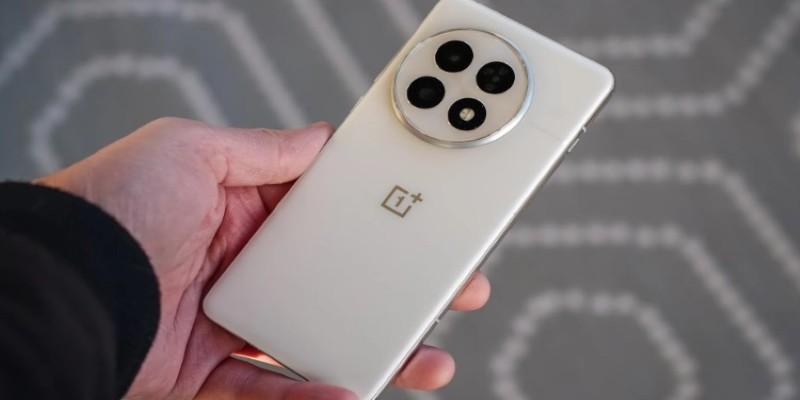
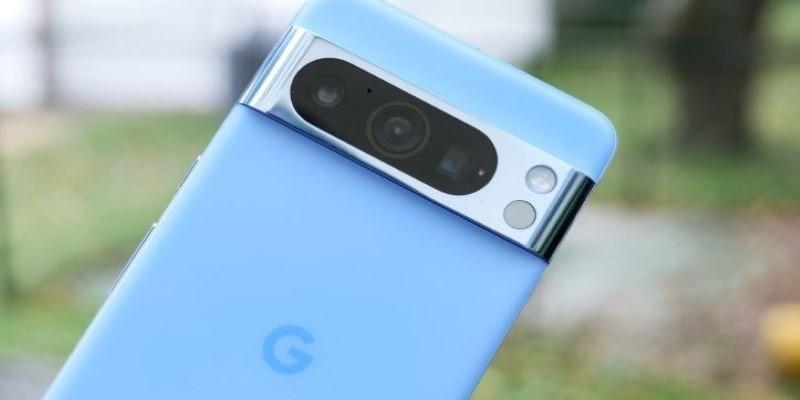
Each brand handles updates differently. Google Pixel phones typically get around three years of security updates, while Samsung now offers up to five for newer devices. Some brands, such as OnePlus or Xiaomi, vary their schedules depending on the model and region. If you’re unsure, check your manufacturer’s official site for your model’s update policy. Many companies maintain a list showing which devices still receive monthly or quarterly patches.
Once you know the latest patch your phone has received, compare it to the most recent one available for your model. This tells you immediately if your phone is still actively maintained. If the gap is long—more than three or four months—it likely means updates have stopped or are delayed.
How to Check if Your Device Is Officially Supported?
Every Android manufacturer follows a schedule for software and security support. Google lists this information for Pixel phones on its support page, showing exactly when each model will stop receiving updates. Samsung, Nokia, and others do the same. Searching your device’s model name alongside “software support timeline” will often reveal its expected lifespan.
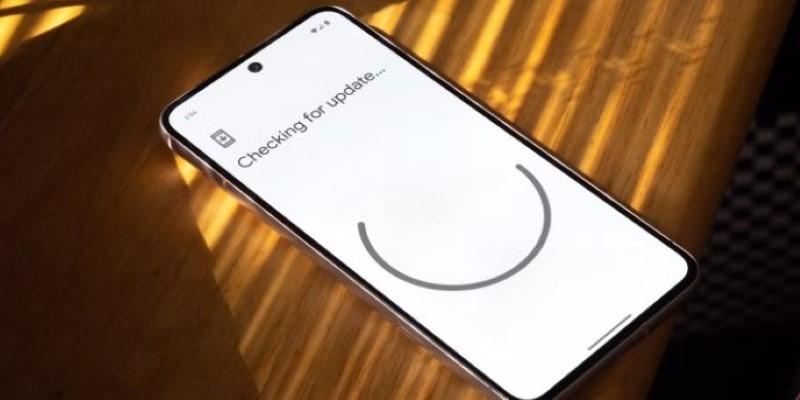
Phones that are part of Android One get guaranteed updates for two years and security patches for three. Once that period ends, the device depends on the manufacturer for any further patches. To check directly, go to Settings > System > Software Update (the path may differ slightly by brand). If the system claims your device is “up to date,” but the security patch date is old, that’s a clear sign official updates have ended.
You can also confirm using Google’s Android Security Bulletin, which lists each monthly patch and the vulnerabilities it fixes. If your phone’s last update predates the current bulletin by several months, your device hasn’t received recent protections.
Sometimes, carriers or regional distributors delay updates for testing, which can confuse users. If you suspect that’s the case, visiting online forums or your manufacturer’s community page can clarify whether others with the same model are still getting updates.
Why Security Updates Matter More Than You Might Think?
Security updates fix hidden flaws that criminals exploit to gain access to devices. Android’s open system gives users flexibility, but it also means updates depend heavily on each manufacturer. When updates stop, your device’s defenses weaken over time. Even safe browsing and app habits can’t fully prevent attacks if the system itself is outdated.

A phone that no longer receives patches is more likely to encounter spyware, data theft, and malware hidden in apps. Outdated phones are often targeted because their known vulnerabilities remain unpatched. This risk is particularly concerning if you use your device for payments, banking, or storing personal information.
Updates don’t just secure your phone—they often improve background functions that affect stability and privacy. Manufacturers usually release monthly or quarterly patches, depending on the model tier. Premium phones receive updates longer, while budget devices might stop after two years. Understanding your brand’s pattern helps you recognize when your device is nearing the end of its safe usage period.
If you keep using an unsupported phone, stay cautious. Avoid installing unknown apps, downloading files from unofficial sources, or connecting to public Wi-Fi without protection. Even with careful habits, though, an unpatched system eventually exposes you to unnecessary risk.
What to Do If Your Phone Has Stopped Receiving Updates?
If your Android phone no longer receives security updates, you have several paths forward. You can still use it for light, low-risk tasks—such as streaming, reading, or calling—while avoiding sensitive activities like online banking. Keep your important accounts off that device and back up your files elsewhere.
For more advanced users, installing a custom ROM like LineageOS is an option. These community-developed systems often include newer Android versions and recent security patches. This route requires technical steps such as unlocking the bootloader and flashing software manually, which can void warranties or cause instability if not done correctly. But for older devices, it can extend usability by a few more years.
If you prefer official support, replacing your phone is the safest long-term solution. When choosing a new model, prioritize one that guarantees extended software and security support—at least four to five years. Google, Samsung, and Fairphone are leading examples, offering predictable update schedules and long-term coverage. This ensures your phone stays secure without needing constant manual checks.
Some devices continue to get Google Play system updates, which handle parts of Android’s core security even after manufacturer patches end. These updates improve features like app permissions and data isolation, adding a modest layer of safety. Still, they can’t replace full security patches, so it’s best to view them as partial protection rather than a full fix.
Conclusion
Verifying whether your Android phone is still receiving security updates helps you make informed decisions about safety and longevity. By checking your device’s patch level, confirming official support timelines, and comparing your update history with Google’s security bulletins, you can tell exactly where your phone stands. Security patches are the unseen defense line that shields personal data and digital privacy. Once those updates stop, your phone’s protection gradually fades. Whether you continue using it cautiously, install a custom ROM, or upgrade, staying informed keeps your digital life secure and dependable.