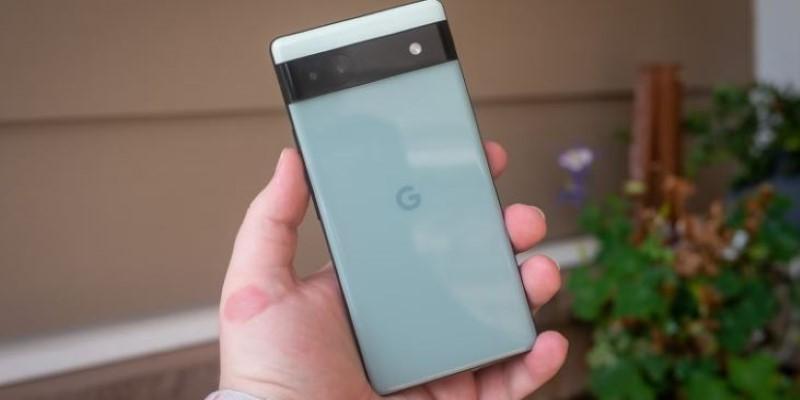
When the Pixel 6a launched, many users admired its smooth Android experience, efficient performance, and balanced design. Yet, as updates rolled out, one concern grew louder: battery life wasn’t quite as lasting as expected. Reports of quicker drains and shorter screen-on times puzzled owners who once boasted a full day’s use.
It wasn’t just wear and tear; Google had deliberately adjusted the phone’s battery performance through software. Understanding why the company made this move, and what users can do to adapt, helps make sense of this quiet but deliberate change.
Why Google Curbed the Pixel 6a’s Battery Efficiency?
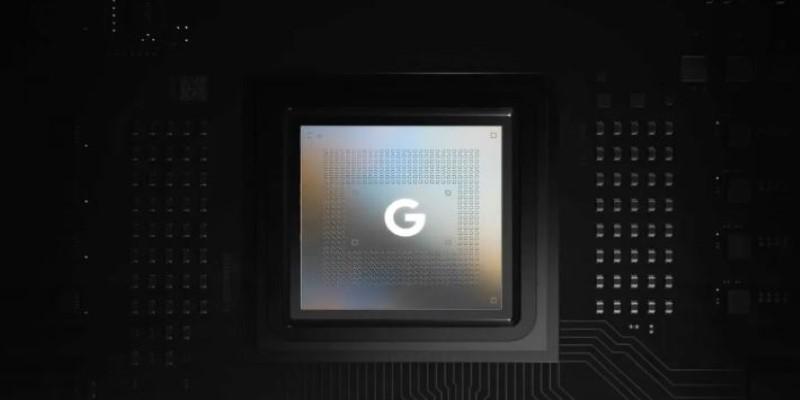
The Pixel 6a’s 4410mAh battery is average on paper, but early use showed it could hold its own. That changed after several system updates. The main reason was thermal management. Google’s Tensor processor, while capable, produces heat under heavy use. Instead of allowing sustained high performance that risked overheating, Google tuned the system to favor cooler operation. This meant slower power draw, background task restrictions, and lower CPU speeds when temperatures rose—protecting the phone’s health at the cost of endurance.
Software updates added another layer to this. Over time, Android security patches and new system processes increased energy demand. To offset this, Google tightened background data rules and refined how adaptive battery features behaved. Apps once allowed to refresh freely were restricted, reducing both background activity and, ironically, battery life in certain real-world cases. For some, the battery drained faster even during idle hours, not from excessive usage but from altered optimization logic.
Connectivity also influenced these changes. The Pixel 6a supports both sub-6GHz and mmWave 5G, which can rapidly drain power depending on signal strength. Firmware updates were introduced to prioritize stable power use. In areas with poor 5G coverage, the phone began limiting background network sync to reduce battery stress. While this improved consistency, it often led users to perceive weaker battery life.
These decisions weren’t arbitrary. Google’s goal was long-term reliability and consistent user experience across its Pixel lineup. By tempering peak performance, the company balanced daily usability with component preservation, even if that meant disappointing users expecting the same endurance they enjoyed at launch.
The Role of Software Updates and Machine Learning
Machine learning is central to how Pixels manages performance. The system observes habits—charging schedules, frequently used apps, and screen-on times—and adjusts power allocation. Initially, this made the 6a seem adaptive and efficient. But with each update, these models evolved, sometimes becoming too cautious. Apps began closing in the background sooner, notifications lagged, and multitasking felt constrained.
These weren’t flaws in design but consequences of stricter learning patterns introduced through software updates. When Android versions shift, Google often fine-tunes its predictive algorithms to preserve long-term battery health. The result can feel inconsistent, especially for users who multitask heavily or rely on constant connectivity.
Compounding this, each system update can carry unintended effects. Some users reported heating or rapid drain after updates, prompting Google to release patches that rebalanced performance again. This cycle of updates, feedback, and recalibration explains the uneven battery experiences reported across different regions and usage patterns.
The shift toward AI-based optimization means Google now manages power dynamically rather than through user control. The intention is convenience, but the outcome sometimes feels restrictive—an intelligent system that saves power yet limits freedom to push the hardware to its potential.
Practical Solutions for Improving Pixel 6a Battery Life
Although users can’t reverse Google’s firmware adjustments, several steps can restore much of the lost efficiency. The first is experimenting with adaptive battery and adaptive charging settings. Turning them off temporarily allows the system to relearn usage patterns more effectively, which can improve responsiveness before switching them back on.
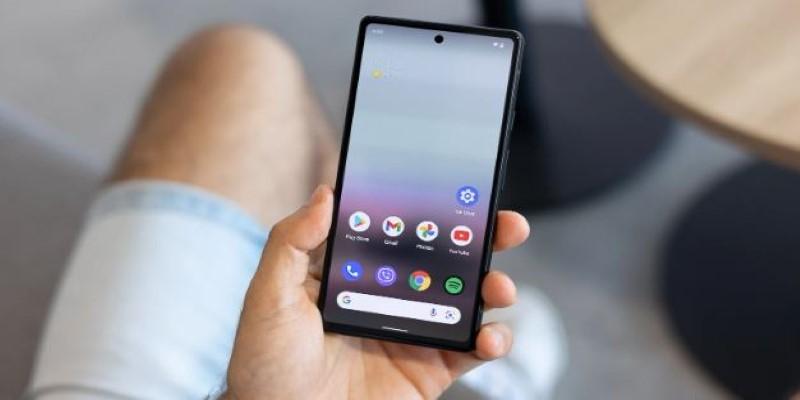
Reviewing app behavior is another effective measure. Some apps remain active long after closing, consuming battery in the background. Restricting their background activity can yield noticeable improvement. This is especially relevant for social and location-based apps that frequently ping servers for updates.
Managing data synchronization is also key. Under “Accounts,” you can disable auto-sync for less-used services, opting for manual refresh. This prevents constant small data exchanges that drain power over time.
The Pixel 6a’s OLED screen provides another area to save energy. Using dark mode consistently, lowering brightness slightly, and shortening screen timeout intervals can extend usage without affecting experience.
In poor signal areas, switching to 4G instead of 5G can significantly reduce drain. When the modem struggles to maintain a 5G connection, it consumes extra energy. Manually selecting a stable network band often results in smoother performance and longer battery life.
Finally, keeping all apps and system components up to date remains important. Developers adjust their software to newer Android versions and battery protocols. Outdated apps can ignore new optimization rules, inadvertently increasing drain. Regular maintenance ensures your phone operates with current energy profiles.
Looking Ahead: Longevity Over Speed
The changes to the Pixel 6a’s battery performance weren’t random. They were strategic, aimed at extending device life, reducing overheating complaints, and keeping the software ecosystem aligned across different Pixel models. For some users, this meant a less aggressive device, but for Google, it reflected a long-term philosophy around device health and support cycles.
Still, the experience hasn't been universally positive. Many users would have preferred more transparency or at least a toggle to choose between raw performance and conservative battery handling. As more devices rely on machine learning for optimization, there’s a case for giving users clearer ways to manage their own experience.
Conclusion
The Pixel 6a’s story highlights how smartphone performance now depends less on technical specs and more on long-term system balance. The phone still performs reliably; most slowdowns or reduced endurance aren’t permanent but adjustable with mindful use. With small changes in settings and behavior, users can reclaim much of the lost efficiency. Google’s strategy may feel restrictive to some, but it represents a broader shift toward durability and stability over short-term speed. Understanding and adapting to that shift ensures the Pixel 6a continues to perform well for years to come.